Courses
Grade 3-6
Scratch
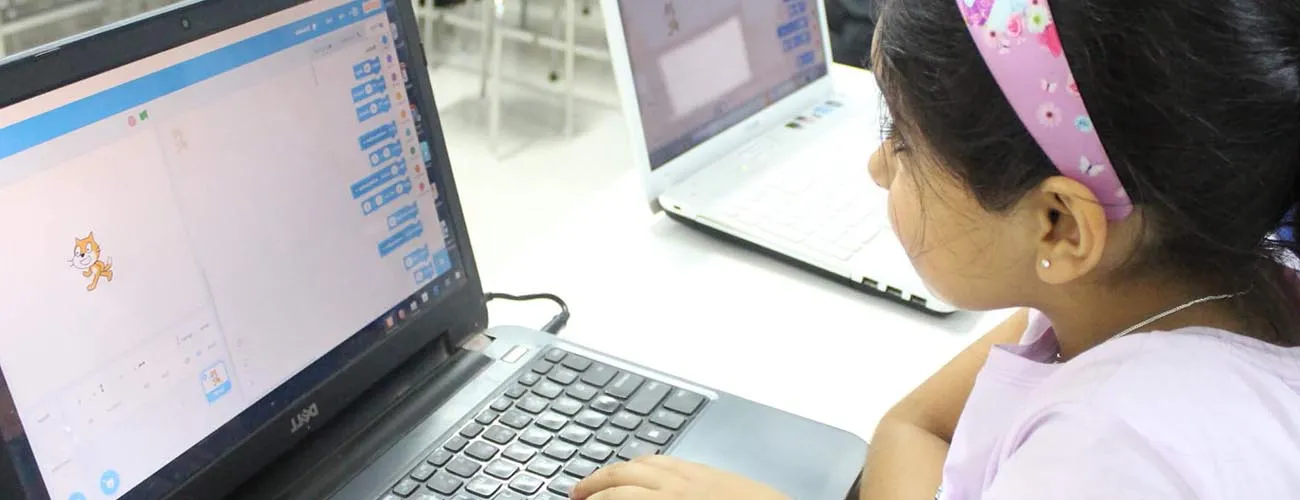
Scratch is a programming language developed by MIT that gives early exposure to programming without heavy prerequisites. Students are introduced to programming through storytelling — designing scenes, characters, and animations, then writing code to bring them to life. A three-month program with two live sessions per weekend, conducted on Google Meet in 1:1 classes.
- Fundamentals of Scratch, flow control & conditions
- Build games, animations & interactive stories
- Think creatively, reason systematically, work collaboratively
Coding Basics
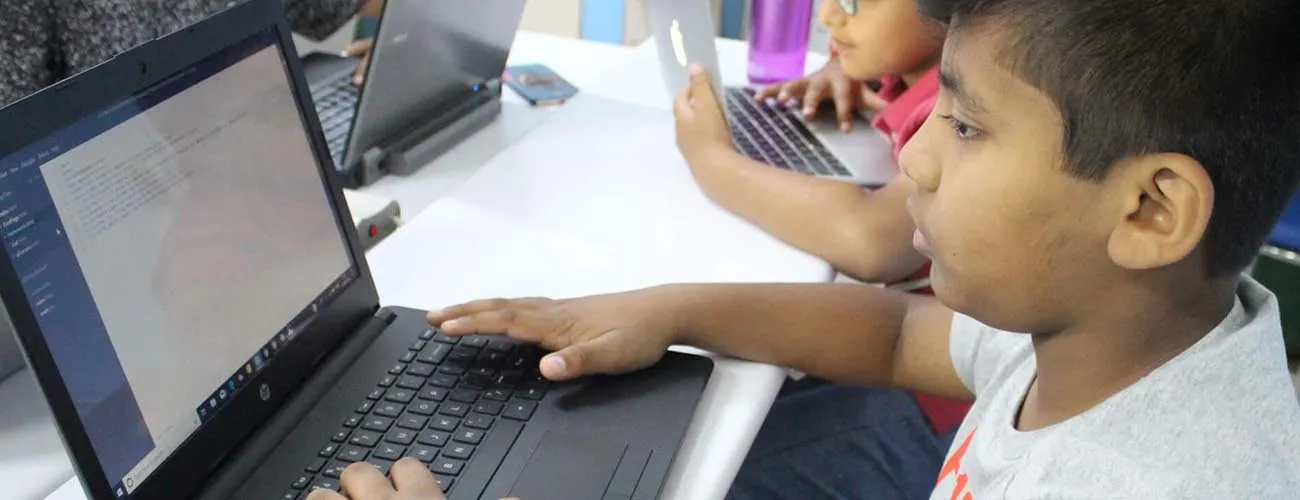
Fundamentals of coding and the essentials of programming before beginning to code — flow control, conditions, and using Scratch to solve programming problems and puzzles through games and animations.
- Sequencing, loops, conditionals, functions, variables
- Build games & animations to solve programming puzzles
- Enhanced abstract, logical & creative thinking
Computer Fundamentals
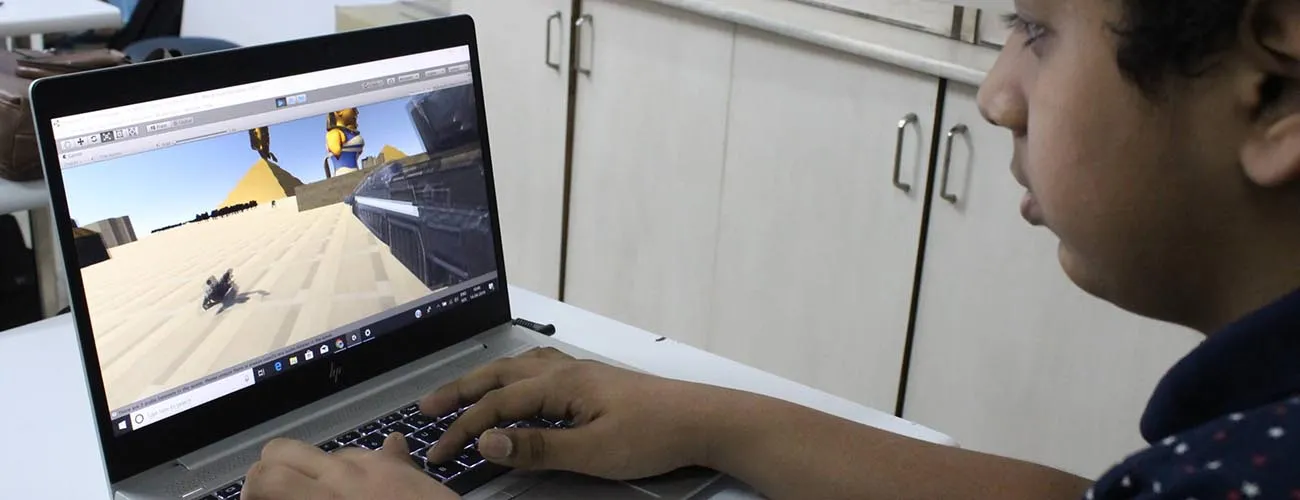
How computers work, the basics of computer software and hardware and digital devices, and getting familiar with widely-used software like Photoshop, Word, Excel, and PowerPoint.
- How computers work
- Software, hardware & digital devices
- Introduction to everyday productivity software
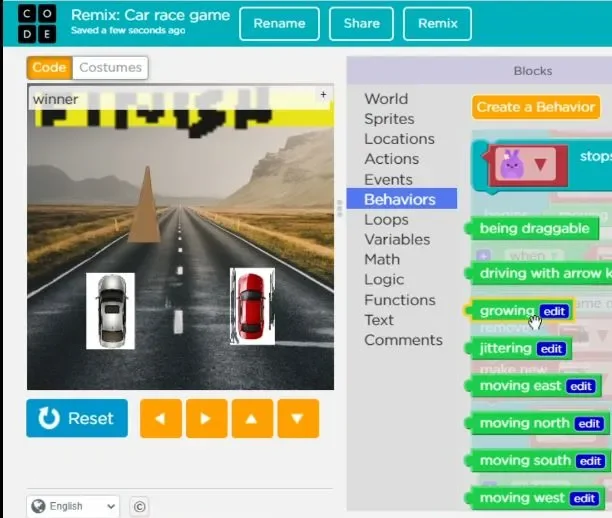
Game Development
A three-level game development track. Students design and build their own games, starting in Scratch with characters, controls and scoring, moving on to levels, enemies and physics-style movement, and, for older students, writing games in code.
- Design and build complete games, not just play them
- Game loops, collisions, scoring, levels and lives
- Three levels, from first game to games written in code
micro:bit Coding & Electronics
Students program the BBC micro:bit, a pocket-sized computer with lights, buttons and sensors, using block coding and then Python. They turn code into real gadgets such as games, step counters and compasses, and learn how sensors and inputs connect software to the physical world.
- Block coding in MakeCode, then MicroPython
- Sensors, buttons, LEDs, sound and radio
- Projects: step counter, reaction game, mini inventions
Roblox Game Development (Lua)
Students build their own Roblox experiences in Roblox Studio and learn Lua, a real programming language, to script obstacle courses, collectibles, scoreboards and simple multiplayer games, with a focus on playing safely online.
- Building worlds in Roblox Studio
- Lua scripting: events, variables, functions
- Projects: obby, coin collector, mini multiplayer game
Minecraft Coding
Children learn coding inside Minecraft, using Microsoft MakeCode to program an agent, build structures automatically and create mini-games. It's a playful way into loops, events and conditions for kids who already love the game.
- Block coding in MakeCode for Minecraft
- Program an agent to build, dig and explore
- Projects: auto-builder, treasure hunt, mini-game
3D Design & Modelling
Students learn 3D design with Tinkercad and then Blender, creating models, characters and scenes. They learn shapes, measurement and design thinking, and make models suitable for 3D printing or use in games.
- 3D modelling basics in Tinkercad
- Blender: modelling, materials and simple animation
- Projects: keychain, room design, game character
