Courses
Grade 5-7
Scratch
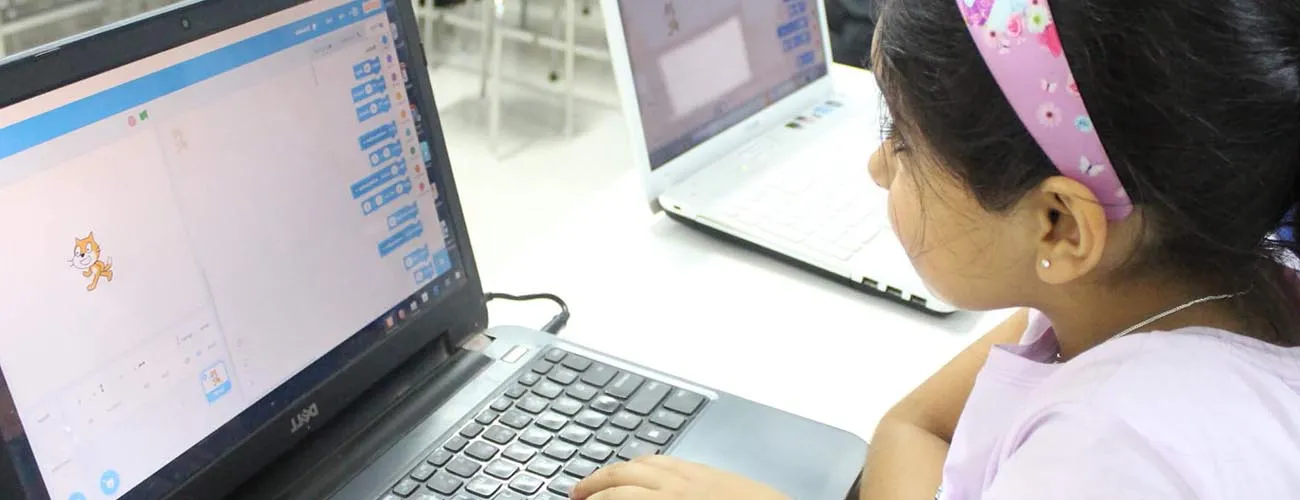
Scratch is a programming language developed by MIT that gives early exposure to programming without heavy prerequisites. Students are introduced to programming through storytelling — designing scenes, characters, and animations, then writing code to bring them to life. A three-month program with two live sessions per weekend, conducted on Google Meet in 1:1 classes.
- Fundamentals of Scratch, flow control & conditions
- Build games, animations & interactive stories
- Think creatively, reason systematically, work collaboratively
Coding Basics
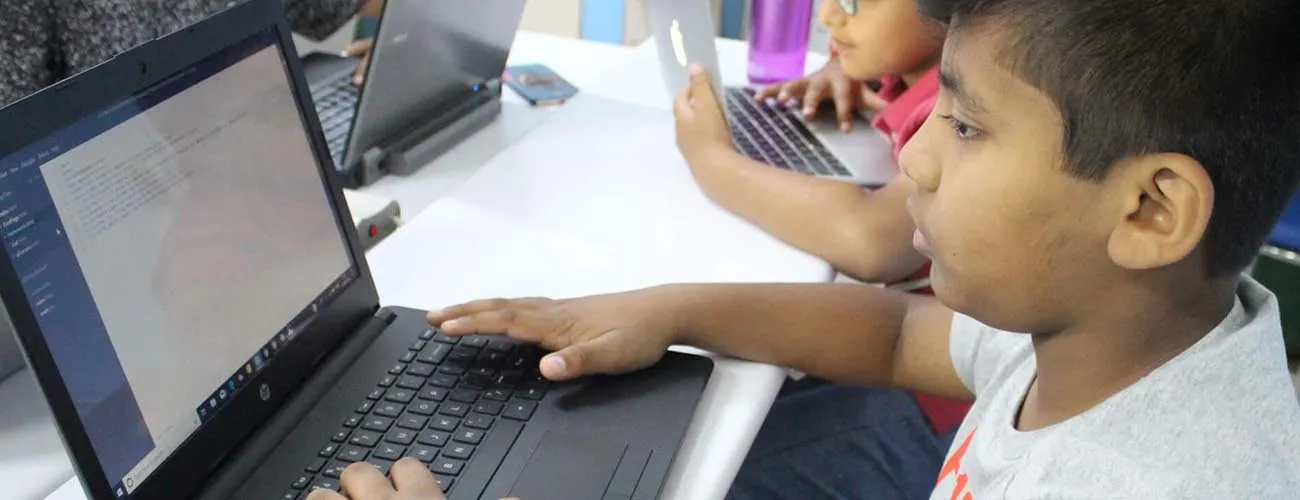
Fundamentals of coding and the essentials of programming before beginning to code — flow control, conditions, and using Scratch to solve programming problems and puzzles through games and animations.
- Sequencing, loops, conditionals, functions, variables
- Build games & animations to solve programming puzzles
- Enhanced abstract, logical & creative thinking
Python
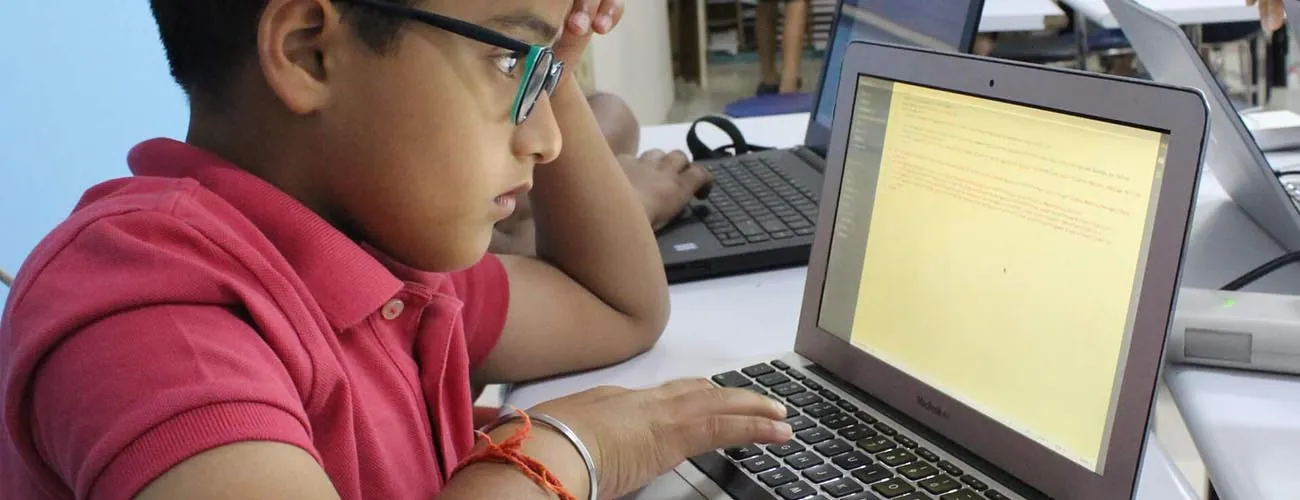
Python is one of the most widely used and in-demand languages, prized for its simple, readable syntax. Students learn conditional statements, looping constructs, classes and objects, then apply their learning to build GUI programs with Tkinter and real-world mini projects — a foundation for later work in Data Science, Machine Learning, and AI.
- Conditionals, loops, classes & objects
- GUI programs using the Tkinter library
- A foundation for Data Science, ML & AI
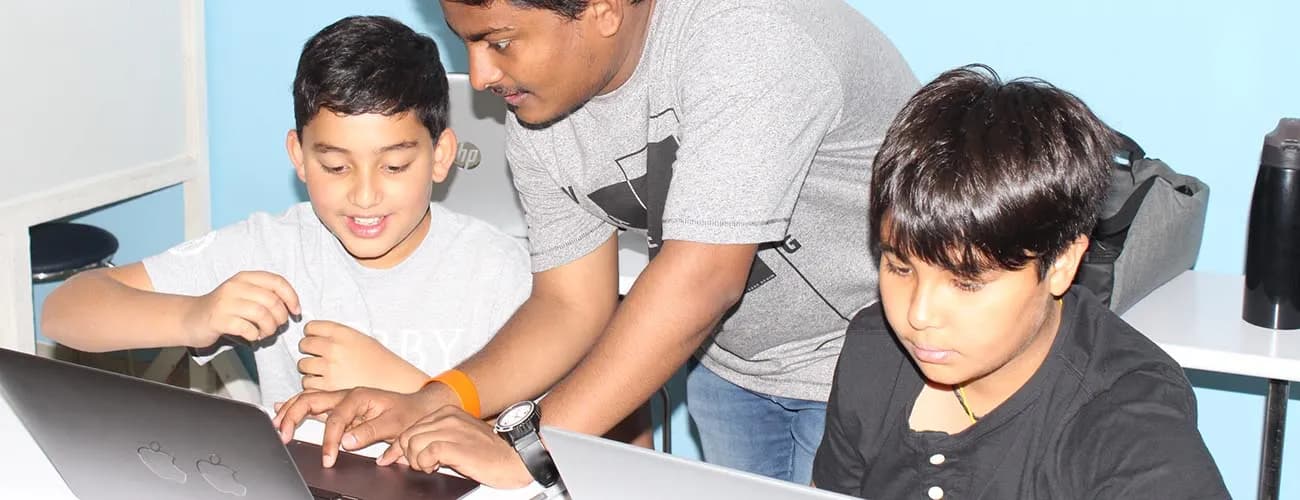
Web Development (HTML, CSS & JavaScript)
Students learn how real websites are built, using the three languages behind every page on the web. HTML gives a page its structure, CSS makes it look good, and JavaScript makes it interactive. Along the way they build their own pages and finish with a complete personal website they can show to friends and family.
- HTML structure, CSS styling & responsive layouts
- JavaScript basics: variables, events & interactivity
- Projects: personal portfolio site, quiz & mini web games
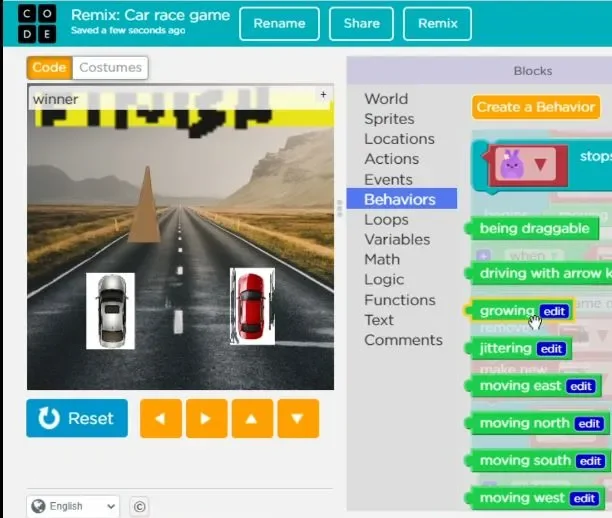
Game Development
A three-level game development track. Students design and build their own games, starting in Scratch with characters, controls and scoring, moving on to levels, enemies and physics-style movement, and, for older students, writing games in code.
- Design and build complete games, not just play them
- Game loops, collisions, scoring, levels and lives
- Three levels, from first game to games written in code
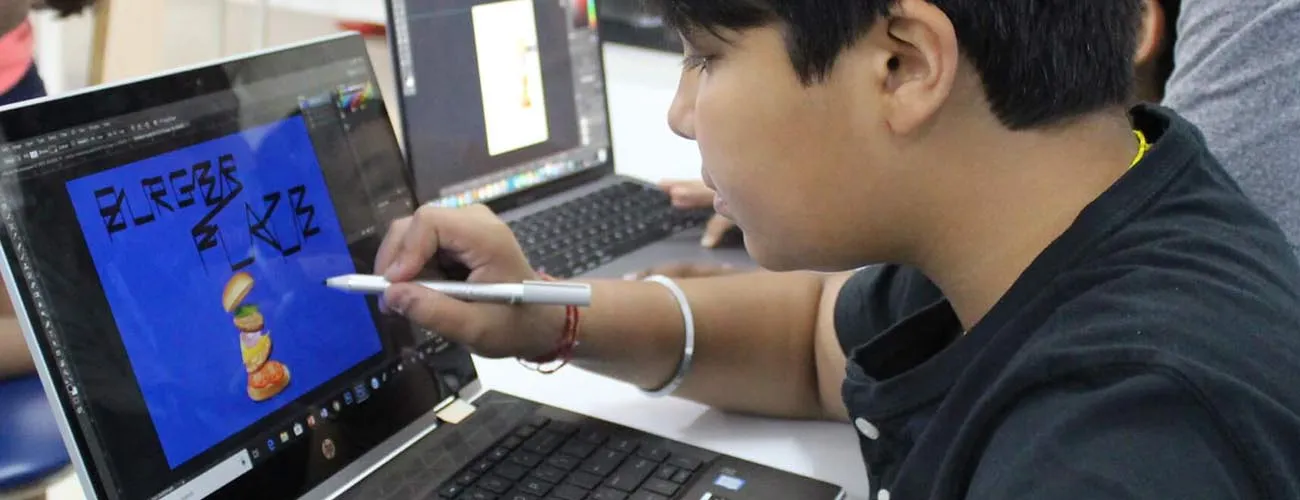
Video Editing (Premiere Pro)
A hands-on Premiere Pro CC curriculum — from understanding the workspace and timeline through trims, transitions, titles, audio, and color correction — building up to full creative projects like a music video and a short movie.
- Timeline editing, transitions, titles & audio
- Color correction with the Lumetri panel
- Capstone projects: a music video and a short movie
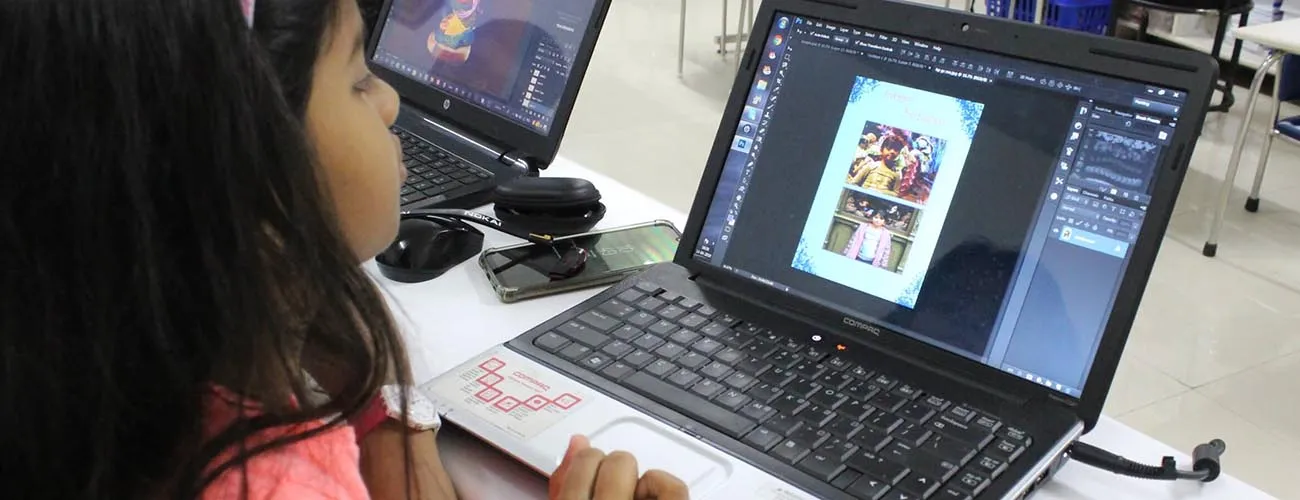
Photoshop & Graphic Design
Adobe Photoshop is the predominant photo editing and manipulation tool on the market. Students learn its fundamentals and graphics concepts, working up through retouching, layers, masks, and filters to real design projects — posters, business cards, and full website UI mockups.
- Retouching, layers, masks & filters
- Real projects: posters, business cards, website UI
- Complete understanding of Photoshop & design concepts
AI & Machine Learning for Kids
A hands-on introduction to artificial intelligence and machine learning, built on the Python foundation from our other courses. Students explore how AI actually works — training simple image and text classifiers, experimenting with tools like Google's Teachable Machine, and building beginner chatbots — while learning to think critically about how AI is used (and misused) in the real world.
- How machine learning models are trained, in plain language
- Hands-on projects: image classifiers, simple chatbots
- AI ethics — bias, privacy, and responsible use
micro:bit Coding & Electronics
Students program the BBC micro:bit, a pocket-sized computer with lights, buttons and sensors, using block coding and then Python. They turn code into real gadgets such as games, step counters and compasses, and learn how sensors and inputs connect software to the physical world.
- Block coding in MakeCode, then MicroPython
- Sensors, buttons, LEDs, sound and radio
- Projects: step counter, reaction game, mini inventions
Robotics with Arduino
A hands-on robotics course built on Arduino, the platform used by makers and engineers worldwide. Students wire circuits, read sensors, drive motors and program robots in C++, moving from blinking LEDs to obstacle-avoiding and line-following robots and smart-home style projects.
- Circuits, sensors, motors and servos
- Programming Arduino in C++
- Projects: obstacle-avoiding robot, smart night-light, traffic system
Unity 3D Game Development (C#)
Students build 3D games in Unity, the engine behind many popular mobile, console and VR games, and learn C# along the way. They create worlds, characters and physics, script gameplay, and finish with a complete playable 3D game.
- The Unity editor: scenes, objects, physics and lighting
- C# scripting for movement, scoring and game logic
- Projects: 3D obstacle course, collectathon, a complete game
App Development (MIT App Inventor)
Students design and build real mobile apps with MIT App Inventor, a free block-based tool from MIT. They learn screens, buttons, data and sensors, and build apps they can run on a phone or tablet, from a quiz app to a drawing app and a to-do list.
- Designing app screens and user interfaces
- Block coding for events, data and phone sensors
- Projects: quiz app, drawing app, to-do list, mini game
Roblox Game Development (Lua)
Students build their own Roblox experiences in Roblox Studio and learn Lua, a real programming language, to script obstacle courses, collectibles, scoreboards and simple multiplayer games, with a focus on playing safely online.
- Building worlds in Roblox Studio
- Lua scripting: events, variables, functions
- Projects: obby, coin collector, mini multiplayer game
Minecraft Coding
Children learn coding inside Minecraft, using Microsoft MakeCode to program an agent, build structures automatically and create mini-games. It's a playful way into loops, events and conditions for kids who already love the game.
- Block coding in MakeCode for Minecraft
- Program an agent to build, dig and explore
- Projects: auto-builder, treasure hunt, mini-game
3D Design & Modelling
Students learn 3D design with Tinkercad and then Blender, creating models, characters and scenes. They learn shapes, measurement and design thinking, and make models suitable for 3D printing or use in games.
- 3D modelling basics in Tinkercad
- Blender: modelling, materials and simple animation
- Projects: keychain, room design, game character
Generative AI & Prompt Engineering
Students learn how generative AI tools create text, images and code, how to write effective prompts, and how to use AI responsibly for learning and creativity, including checking facts, avoiding plagiarism and protecting privacy.
- How large language models and image generators work
- Prompt engineering for writing, art and code
- Responsible use: accuracy, bias, privacy and honesty
Cyber Safety & Cybersecurity
Students learn how the internet works and how to stay safe on it: strong passwords, spotting phishing and scams, privacy settings, and the basics of encryption and how attackers and defenders think, through hands-on challenges.
- Passwords, phishing, scams and privacy
- How the internet and encryption work
- Hands-on puzzles: ciphers and spot-the-scam challenges
